Hornets RT is a radio trainer that runs in your browser. You hold to talk, make your call, and the ground station answers in a British voice over a radio filter, the same way it would on frequency. Your aircraft flies itself round the circuit or along your route, so the calls come at the right moments and at real speed.
It covers a few East Anglian airfields done properly, with their own frequencies, reporting points and local procedures, rather than every airfield in the world done roughly. So far: Earls Colne, Seething, Old Buckenham and Southend, with Wattisham's MATZ and the LARS units around them. Each station has its own voice.
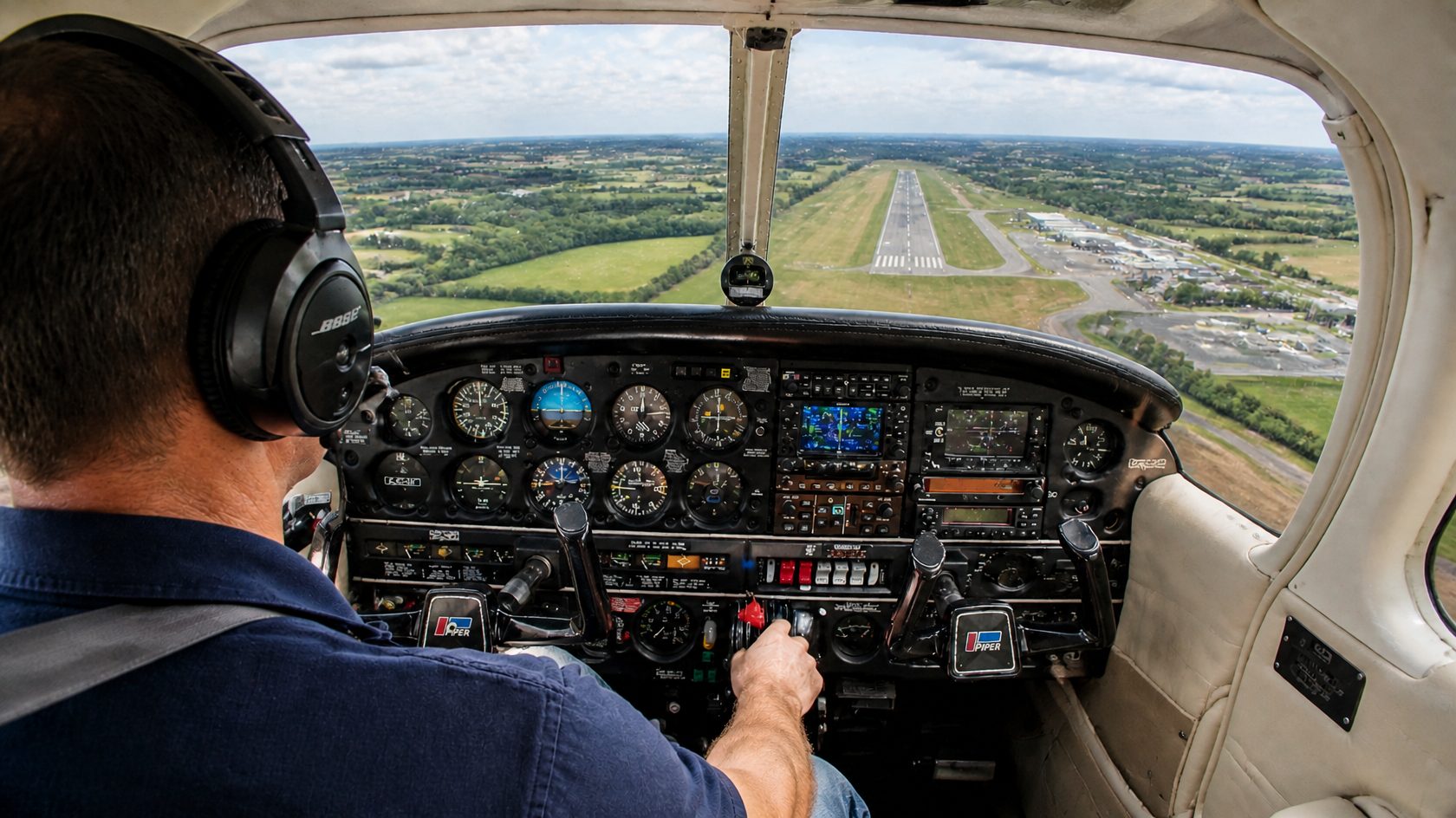
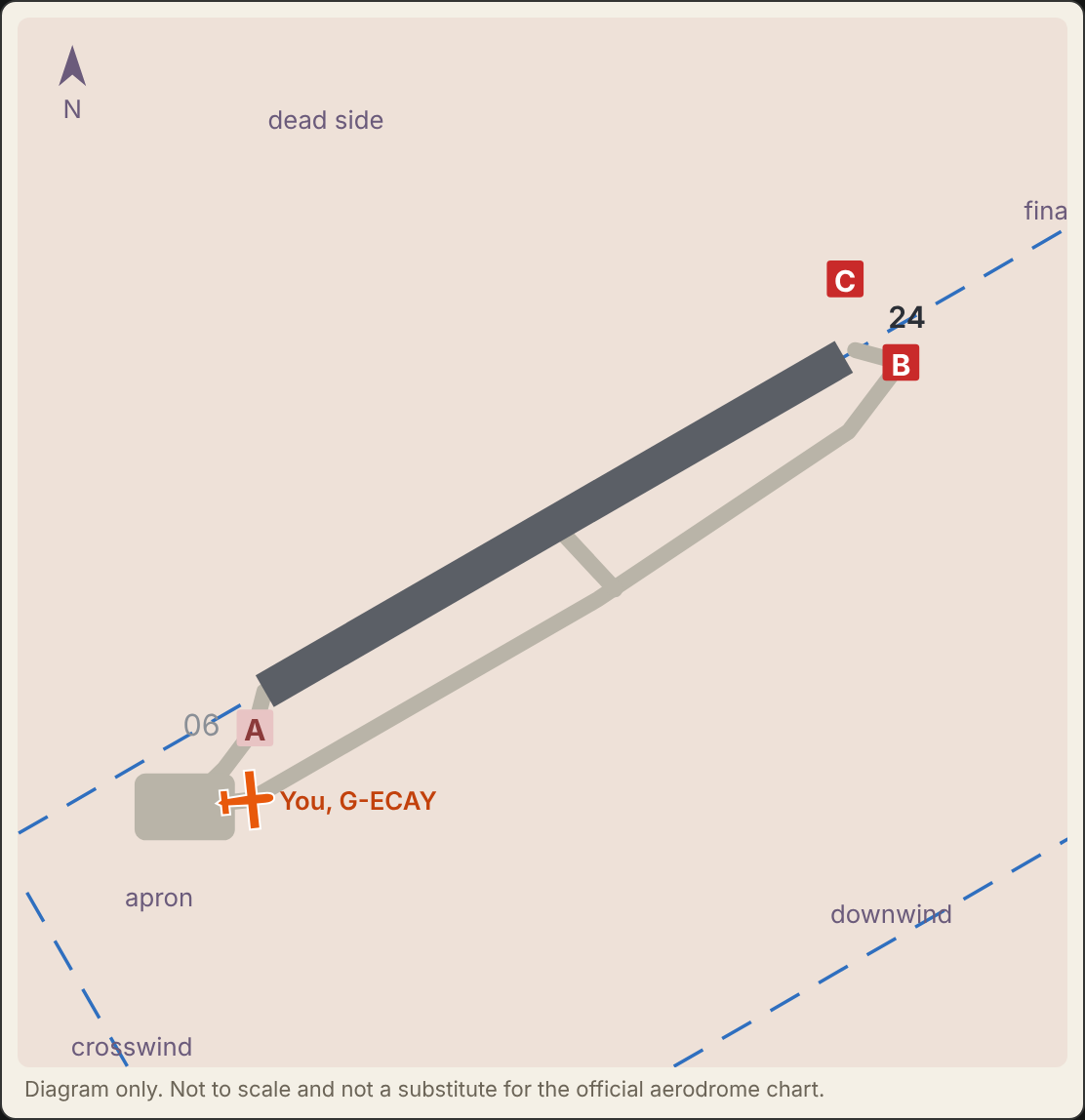
Your aircraft moves round the real circuit, so each call comes at the right moment.
What you can practise
CircuitsRadio check, departure information, lining up, downwind, final and vacating, with other traffic if you want it busy.
Departures and arrivalsLeaving the ATZ, overhead and downwind joins, and the local quirks of each airfield.
Airfield to airfieldPlan a route on a chart with real airspace, then fly it at your cruise speed on a moving map. The planner shows who you could call on the way and what airspace is in your path.
MATZ penetrationWattisham: pass your message, squawk, read back the height and QFE, report entering and leaving.
Radar servicesAsk Norwich, Marham, Southend or Wattisham for a Basic or Traffic Service on the way, or fly on 7000 and talk to no one. Answer the traffic information they pass you.
Class D zone transitsCross Southend's controlled airspace with a clearance: routing, not below and not above levels, squawk and QNH, all read back. The levels change from flight to flight.
Controlled airfieldsSouthend, from the ATIS and start up through taxi, departure clearance, line up and take-off, to arriving with a zone clearance and the hand-over to Tower.
Airspace infringementsEnter an ATZ or Class D without the right call and it's marked. A MATZ without a call gets a reminder, as it isn't compulsory.
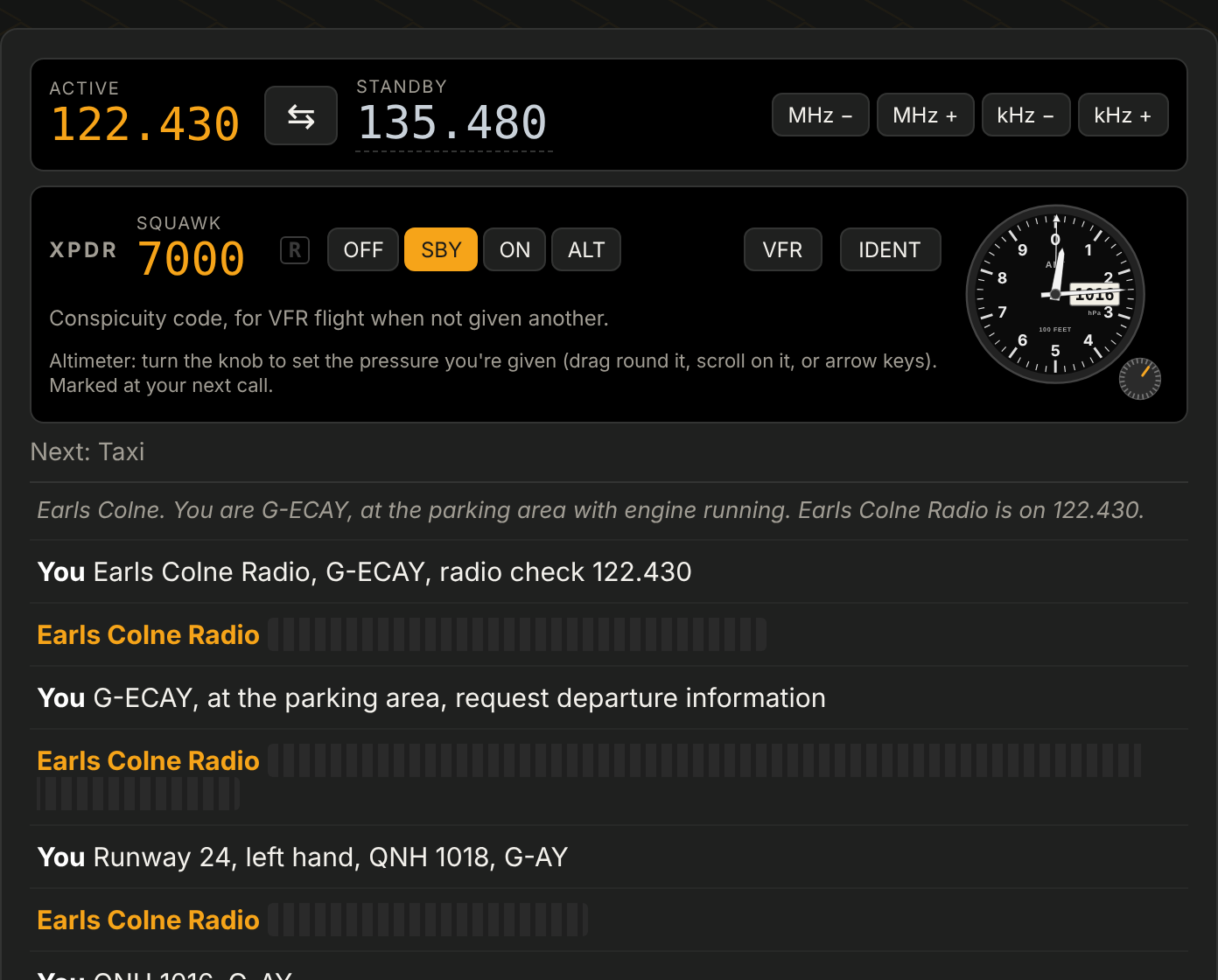
The cockpit jobsSet the squawk on the transponder and the pressure on the altimeter, because a good readback is no use if the setting isn't made.
Hard core mode
Not just RT: good habits in the cockpit
Practising readbacks and timing on a screen is useful, but in the aircraft nothing is written down for you, and a readback is no good if you don't then act on it. Hornets RT builds that habit.
Turn on hard core mode and everything said on the radio that isn't you disappears from the screen. You have to listen, write it down, and find the shorthand that works for you on your kneeboard. Then you have to do something with it: set the QNH on the altimeter and the squawk on the transponder, and both are checked.
Do it often enough and it becomes second nature, so it's there in the air when it really matters.
Hard core mode: you hear the controller, but only your own calls are written down. Squawk and altimeter are yours to set.
How it marks you
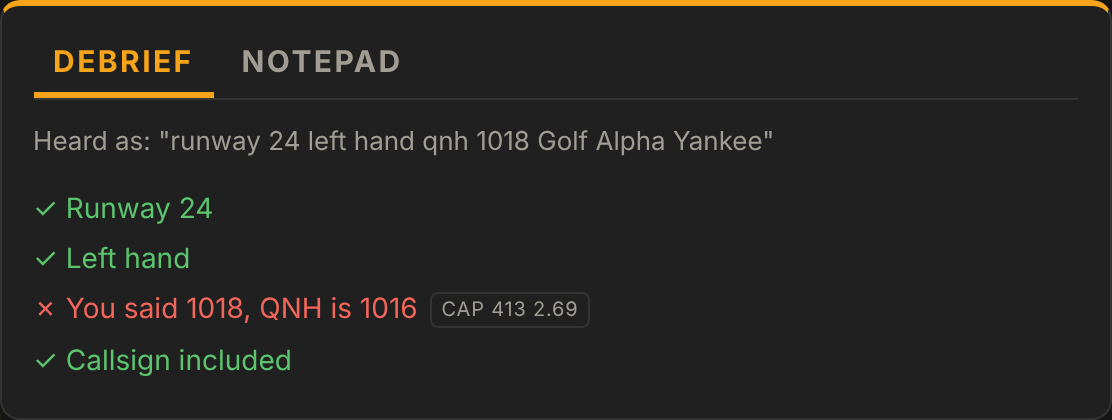
Every call is checked by fixed rules, written from CAP 413 and the airfields' own procedures: callsigns, readbacks of runway and pressure settings, numbers said digit by digit, hectopascal below 1000. A wrong readback gets "negative" and the correct value, just as it would on the radio. After each call the debrief shows what was right and what was missing, and at the end you get a summary of every call.
A wrong QNH in a readback: the debrief says what was right, what wasn't, and where it's in CAP 413.
Why it was built
It started out of a bit of frustration and a bit of boredom, getting RT skills back up to scratch after a long time out of the cockpit. The other trainers were good, but too quick to fail you for not being word perfect. This one tries to understand what you meant, while still holding you to the things that matter. More about the project.
For practice only. Always follow the current AIP, NOTAMs and what the station tells you.
This project was built out of a bit of frustration and a bit of boredom. I'm making it for fun, and including all the things that I think are important for getting my RT skills up to scratch again after a long time out of the cockpit.
I found the other AI trainers were lacking in certain areas, and I wanted to build something that was better at understanding what I meant rather than just failing me if it wasn't perfect. Also, I don't think you need every airfield in the world to be able to practise, just a few of each kind for getting up to speed with GA flying.
I'm slowly adding airfields and improving all the time. It started as a bit of fun and I'm now a bit far down the rabbit hole, so I might as well see where it leads.